

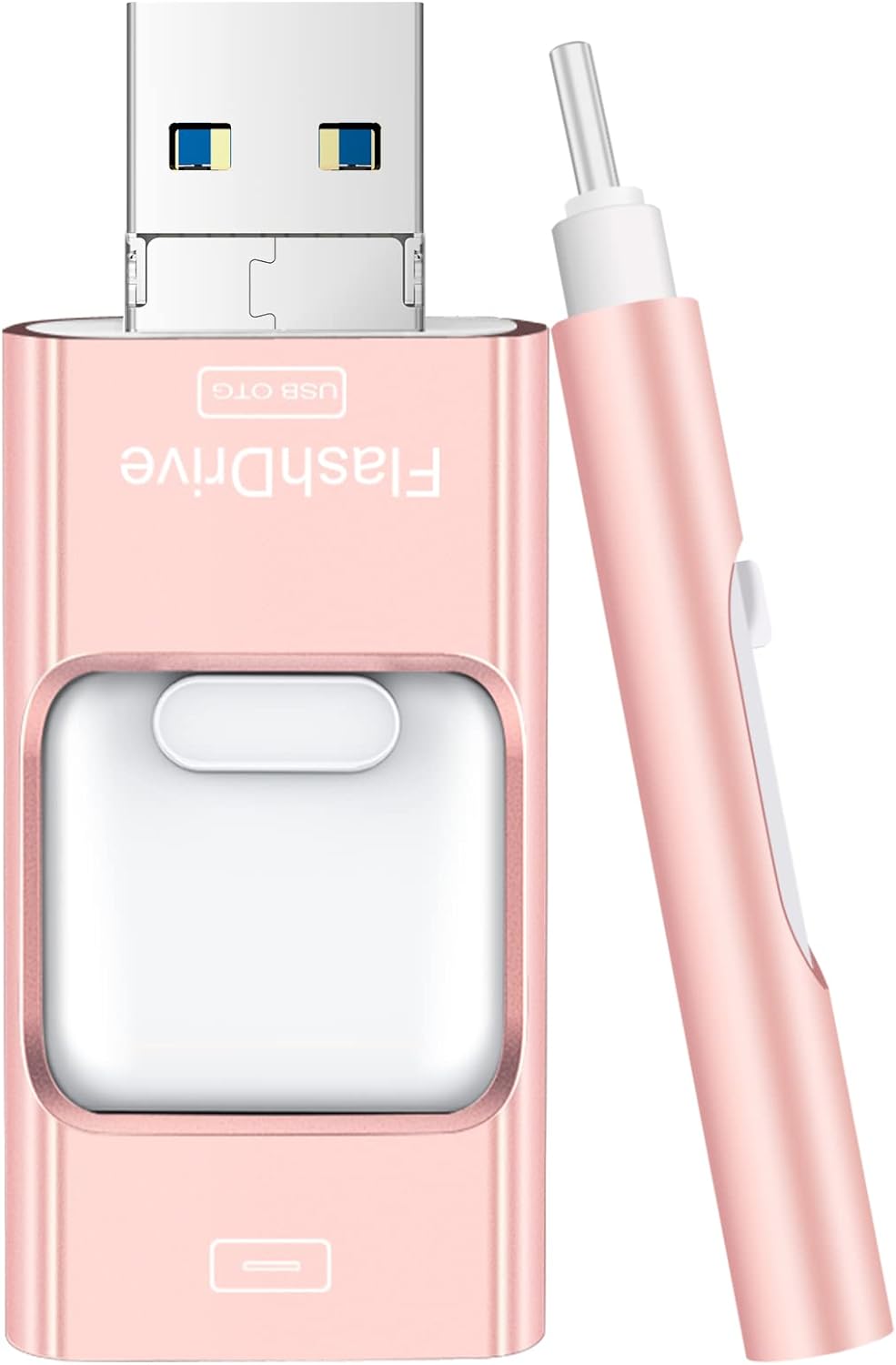
Linux Mint 22 (Latest Version) Cinnamon Bootable Live USB for PC/Laptop 64-bit
$22.99
Price when purchased online
Free shipping
Free 30-day returns
Sold and shipped by sahaja.live
We aim to show you accurate product information. Manufacturers, suppliers and others provide what you see here.
$22.99
Price when purchased online
Free shipping
Free 30-day returns
Sold and shipped by sahaja.live
Free 30-day returns Details
Product details
| Management number | 217026485 | Release Date | 2026/04/19 | List Price | $9.20 | Model Number | 217026485 | ||
|---|---|---|---|---|---|---|---|---|---|
| Category | |||||||||
Linux Mint 22 "Wilma" Cinnamon - Perfect for beginners and non-technical users, Linux Mint boasts ease of use without compromising functionality.
- Live Boot: Simply plug the USB drive into your computer, select the USB drive as your boot device, and experience Linux Mint without installation. This allows you to test the OS and its features before making any changes to your system.
- Install Option: Once you've tested and decided to keep Linux Mint, you can easily install it on your computer directly from the USB drive.
- Pre-installed software like LibreOffice for office tasks, a capable web browser (Firefox), email client (Thunderbird), and multimedia tools. This minimizes the need for additional downloads, saving you time and effort.
- Resource Efficiency: Designed to run efficiently on a variety of hardware configurations. It demands fewer system resources compared to some other operating systems, making it an excellent choice for older computers or devices with limited hardware specifications.
- Compatible with PC/Laptop/Desktop brands - Dell, HP, Sony, Lenovo, Samsung, Acer, Toshiba & more. Minimum system requirements 4 GB RAM Dual-Core Processor (2 GHz) 20 GB of free disk space
- Directions: Restart Your Computer-Shut down your computer and insert the USB drive. Boot from USB (Common keys: F2, F12, Del, Esc, or F1) Enter your computer's BIOS settings and set the USB drive as the first boot device. Save changes and exit. Boot Linux Mint - Your computer will now boot from the USB drive, and you'll see the Linux Mint login screen.
| Brand | Generic |
|---|---|
| Color | Black |
| RAM Type | DDR4 SDRAM |
| Resolution | 4096 x 2304 pixels |
| Unit Count | 1.0 Count |
| Form Factor | Compact |
| Display Type | LCD |
| Manufacturer | USB Companion |
| Model Number | B0DD2774VQ |
| Power Device | USB |
| Video Output | HDMI |
| BuiltIn Media | USB Drive |
| Control Method | Touch |
| Audio Recording | No |
| Keyboard Layout | QWERTY |
| Number Of Cells | 6 |
| Number of Ports | 1 |
| Processor Brand | Intel |
| Processor Count | 2 |
| Total Usb Ports | 1 |
| Video Processor | Intel |
| CPU Model Number | Intel Celeron/Pentium |
| Has Color Screen | Yes |
| Operating System | Linux |
| Bluetooth support | No |
| Native Resolution | 4096 x 2304 pixels |
| Webcam Capability | No |
| Compatible Devices | PC/Laptop/Desktop brands - Dell, HP, Sony, Lenovo, Samsung, Acer, Toshiba & more |
| Display Technology | LCD |
| Hardware Interface | USB |
| Hard Disk Interface | USB 3.0 |
| Graphics Description | Integrated |
| HumanInterface Input | Unknown |
| RAM Memory Installed | 4 GB |
| Warranty Description | 2 Year Warranty |
| Wireless Compability | 802.11ac, 802.11ax, 802.11bgn, 802.11g/n, 802.11n |
| Hard Disk Description | Minimum 20 GB storage |
| Connectivity Technology | USB |
| Specific Uses For Product | Office |
| Display Resolution Maximum | 4096x2304 |
| Total Number of HDMI Ports | 1 |
| Automatic Backup Software Included | LibreOffice, Firefox, Thunderbird, multimedia tools |
| Other Special Features of the Product | Linux Mint 22 |


Bestseller ranking
USB Flash Drives



Customers who viewed this product also viewed
LEGO Building Toys


Correction of product information
If you notice any omissions or errors in the product information on this page, please use the correction request form below.
Correction Request Form