
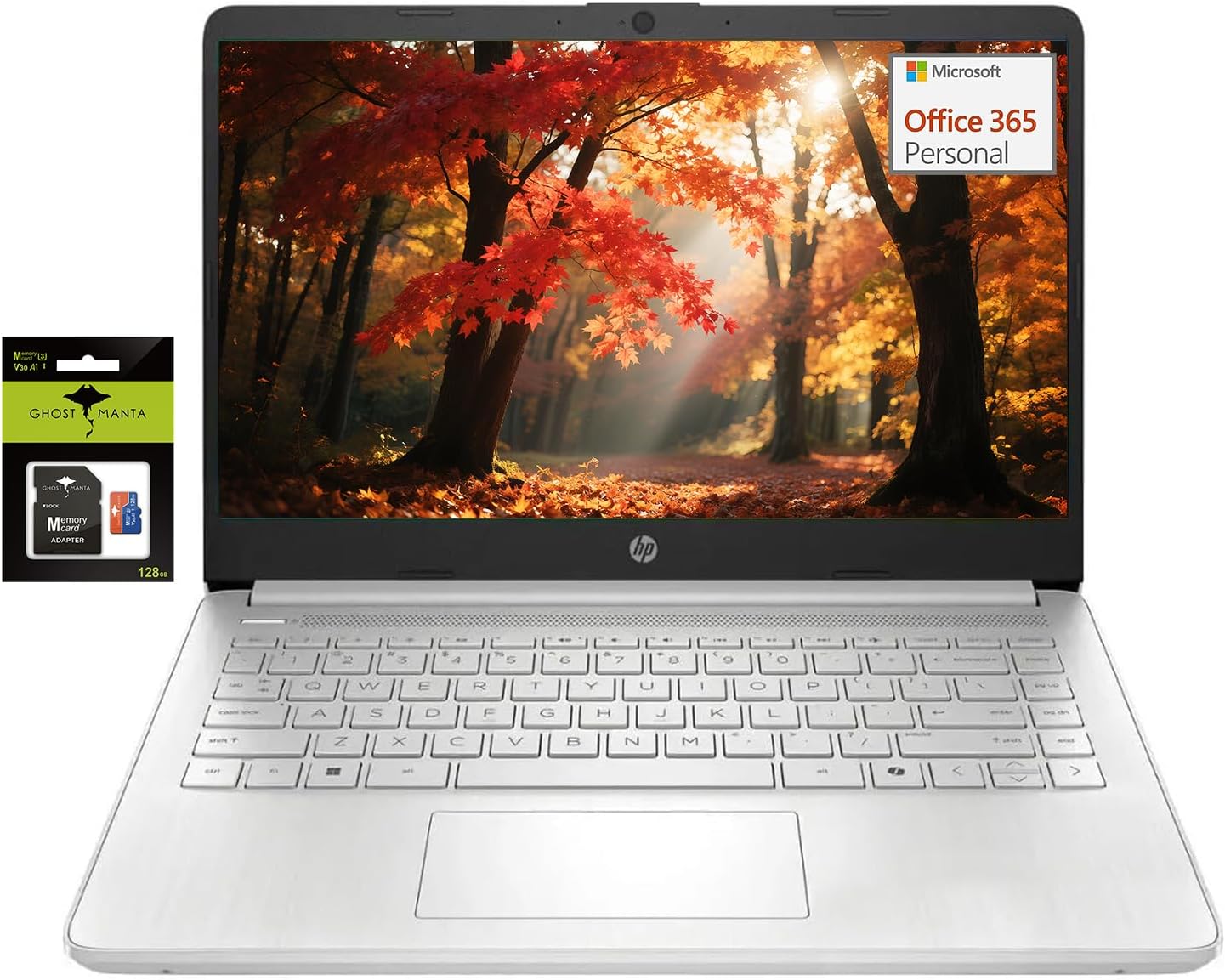
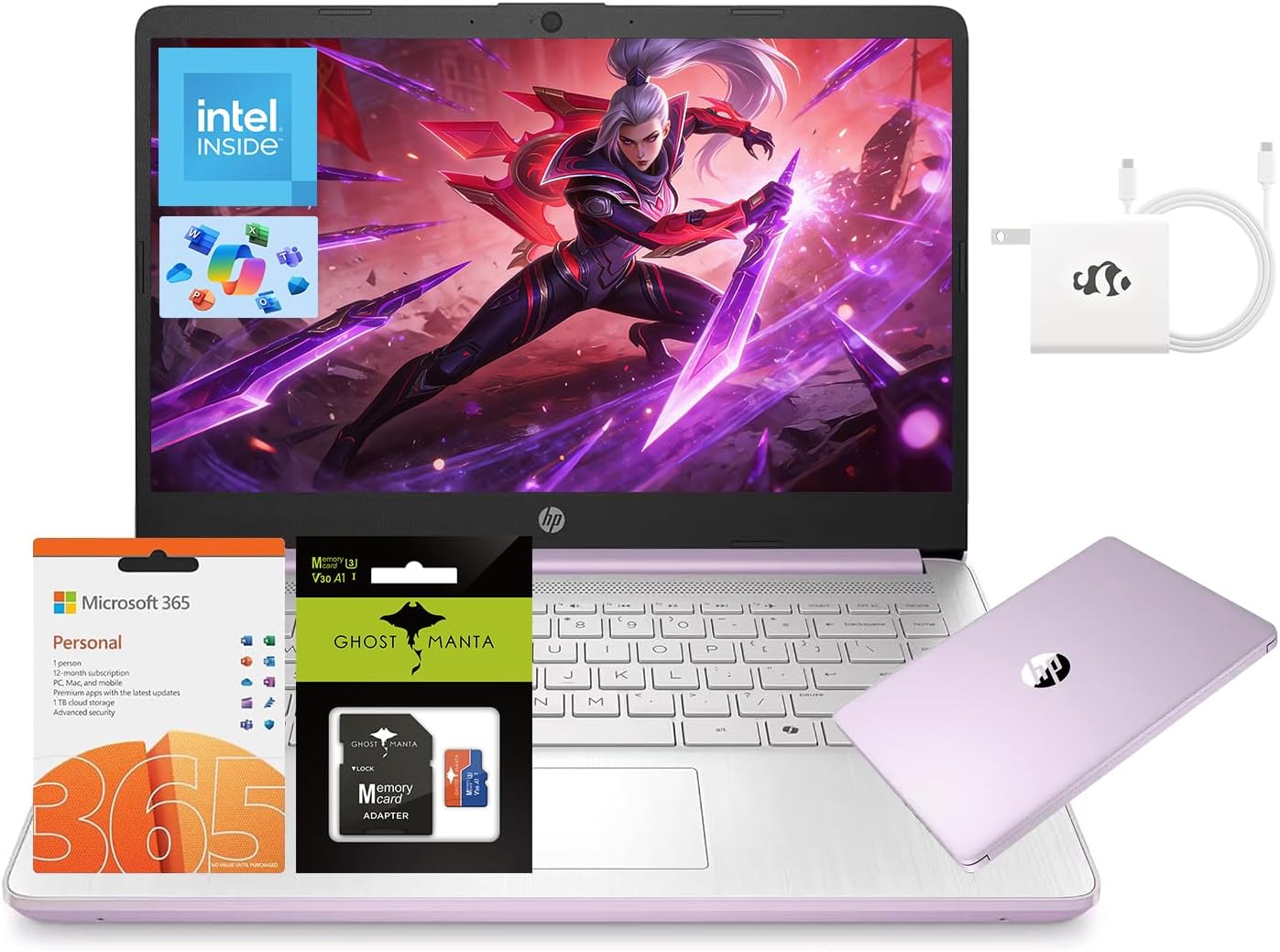
HP 14" Student-Laptop with Copilot AI office365, Quad Core Intel Processor N150(Up to 3.6GHz) 16GB RAM 256GB Storage(128GB UFS + 128GB Ghost Manta SD Card) Win11
$439.00
Price when purchased online
Free shipping
Free 30-day returns
Sold and shipped by sahaja.live
We aim to show you accurate product information. Manufacturers, suppliers and others provide what you see here.
$439.00
Price when purchased online
Free shipping
Free 30-day returns
Sold and shipped by sahaja.live
Free 30-day returns Details
Product details
| Management number | 209093925 | Release Date | 2026/03/29 | List Price | $175.60 | Model Number | 209093925 | ||
|---|---|---|---|---|---|---|---|---|---|
| Category | |||||||||
- 【Fast & Expandable Storage】With 16GB DDR4 RAM, enjoy seamless multitasking, while the 128GB UFS storage + 128GB MicroSD card provides ample space for documents, photos, and apps. The energy-efficient design ensures long battery life for on-the-go productivity.
- 【Efficient Quad-Core Performance】Powered by an Intel Celeron N150 (4-Core, up to 3.6GHz Turbo Boost), this laptop computer delivers smooth multitasking for everyday use. Easily handle 20+ browser tabs, HD streaming, and Office apps without slowdowns, while Intel UHD Graphics ensures crisp visuals.
- 【14" HD Micro-Edge Display】The 14-inch HD BrightView screen (1366x768) features ultra-thin bezels for an 79% screen-to-body ratio, offering sharp and vibrant visuals. The anti-glare coating reduces eye strain, making it ideal for work, study, or entertainment indoors and outdoors.
- 【Lightweight & Portable Design】Weighing just 3.24lbs with a slim profile, this HP laptop fits effortlessly into backpacks, making it perfect for students, remote workers, or anyone needing a compact, travel-friendly computer. Comes with Windows 11 Home (S Mode switchable to regular Windows 11). USB 3.1 Type-C, dual USB 3.1 Type-A, HDMI, MicroSD slot, and a 3.5mm audio jack. No dongles needed—easily connect monitors, projectors, or accessories at home, school, or work.
- 【Activate 1 Year MS office 365】Activate pre-installed Office: 1.Launch any Office app > 2.Start your activation by signing in with your Microsoft account(Create a account if you don't have one yet) > 3.Click "Activative Office" > 4.Sign in your account and follow the next prompts. > 5.Complete Step 1,2 and 3 > 6.Click on Refresh once Office is ready > 7.Open a document and accept the license agreement.


Bestseller ranking
Traditional Laptops


Correction of product information
If you notice any omissions or errors in the product information on this page, please use the correction request form below.
Correction Request Form